What's a vector?
🕐 Read time: 3 min
Written By Clark Yuan
Last updated 2 months ago
Overview
Vector data is one of the two main ways spatial information is stored and represented (the other being raster data). Where a raster divides a scene into a grid of pixels, vector data represents the world as precise geometric objects: points, lines, and polygons. If you have uploaded a Shapefile, KML, DXF, or GeoJSON file to Stitch3D, you are working with vector data.
The three geometry types
Vector data uses coordinates to map discrete objects with clear locations and shapes. Every vector file is built from one or more of three geometry types:
Each geometry type also carries attributes — non-spatial properties that describe what the feature is. A utility pole stored as a point might carry attributes like pole ID, material, height, and last inspection date. A site boundary stored as a polygon might carry the project name, area in hectares, and owner.
Vector vs. raster at a glance
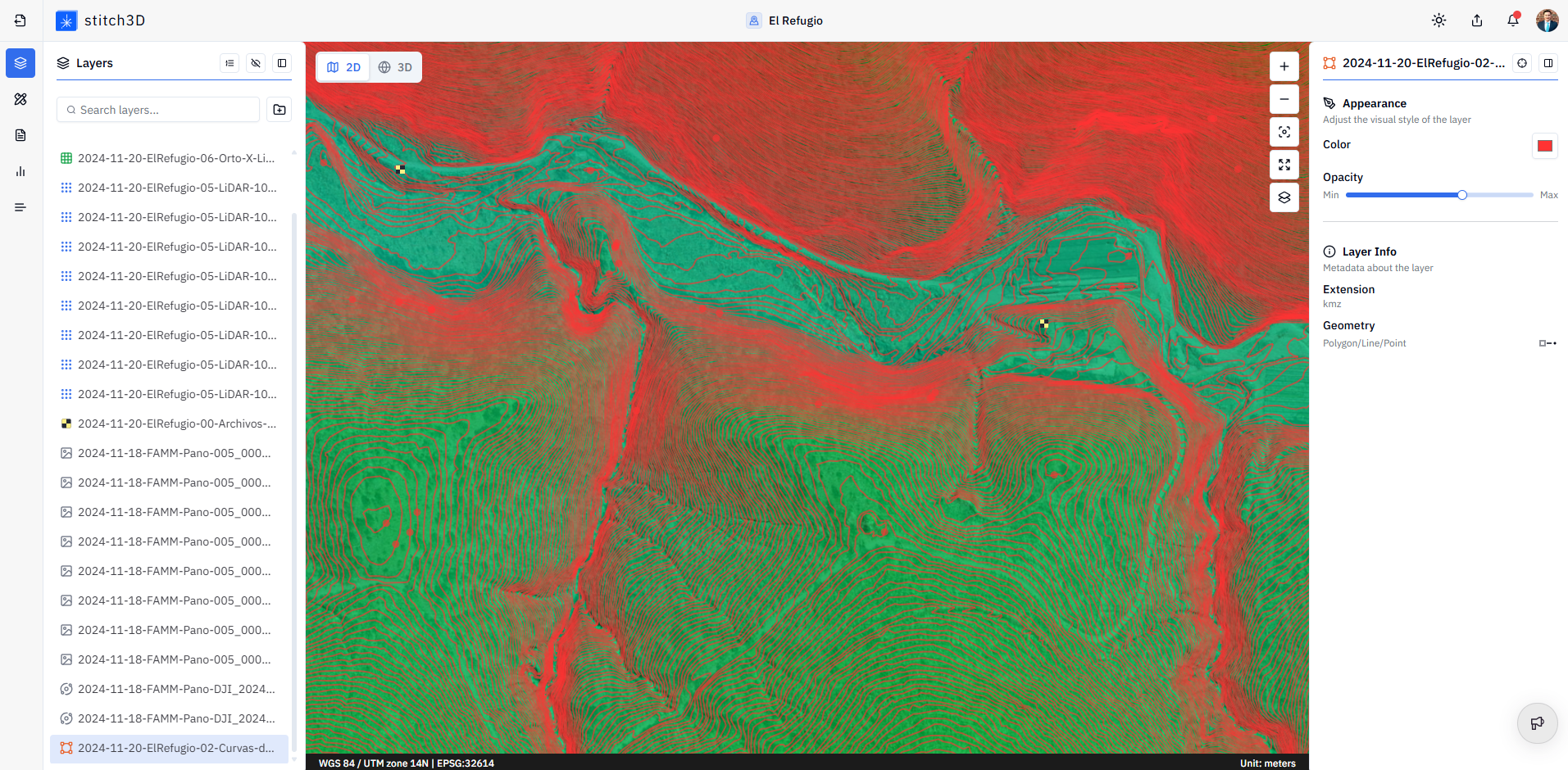
💡 Tip: Raster and vector data are complementary. A typical site delivery in Stitch3D might include a point cloud (3D spatial data), an orthomosaic (raster), and a site boundary or CAD overlay (vector) — each adding a different layer of context to the same Project.
Vector formats supported in Stitch3D
Stitch3D supports the following vector file formats for upload:
ℹ️ Note: Vector files are displayed as layers in the Viewer, overlaid on or alongside your point cloud and raster data. They are not measurable in the same way as point clouds — you cannot take volume or elevation measurements from a vector layer.